 Quiet Phone
 A calmer iPhone, without buying a dumb phone.
An iOS app that turns your first Home Screen into a calm, text-first page. Keep the apps you need. Quiet the rest.
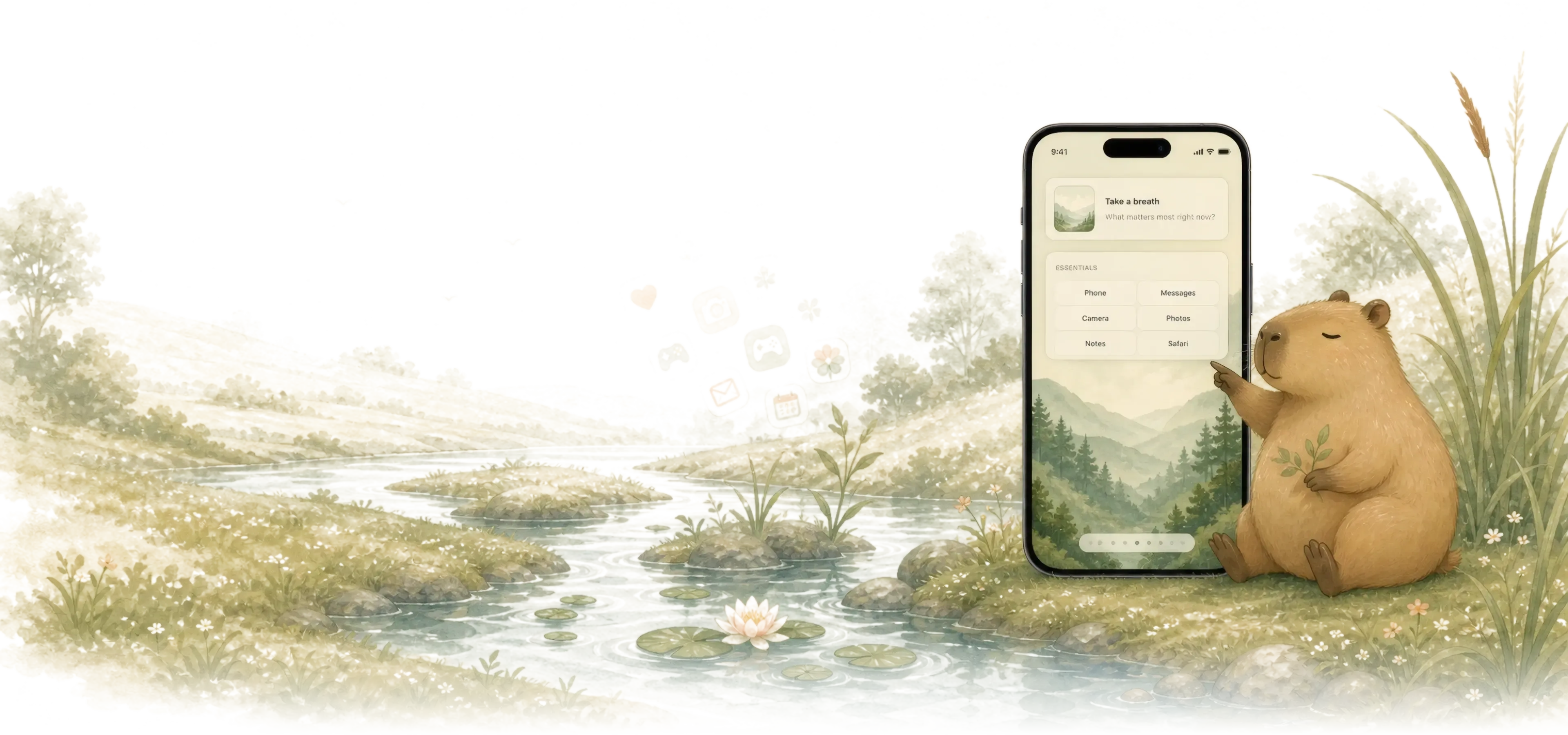
Slide from noisy to quiet.
Watch the first page quiet itself, then drag the handle all the way across to compare.


Three steps, no settings maze.
The app guides the awkward parts of iOS with calm decisions instead of another settings maze.
-
 01
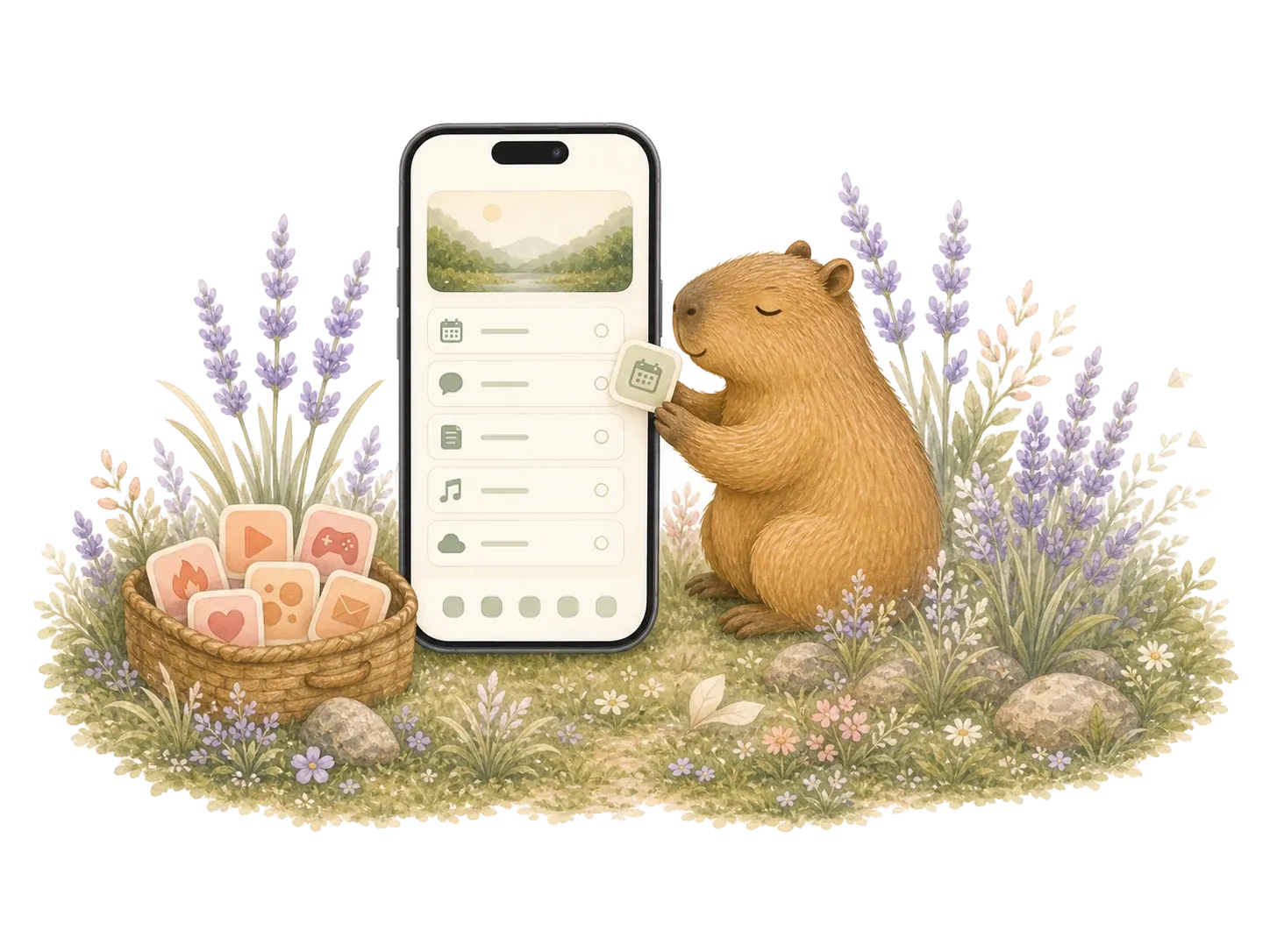
01Choose your essential apps
Pick four to eight labels you actually need, then move noisy cues away.
-
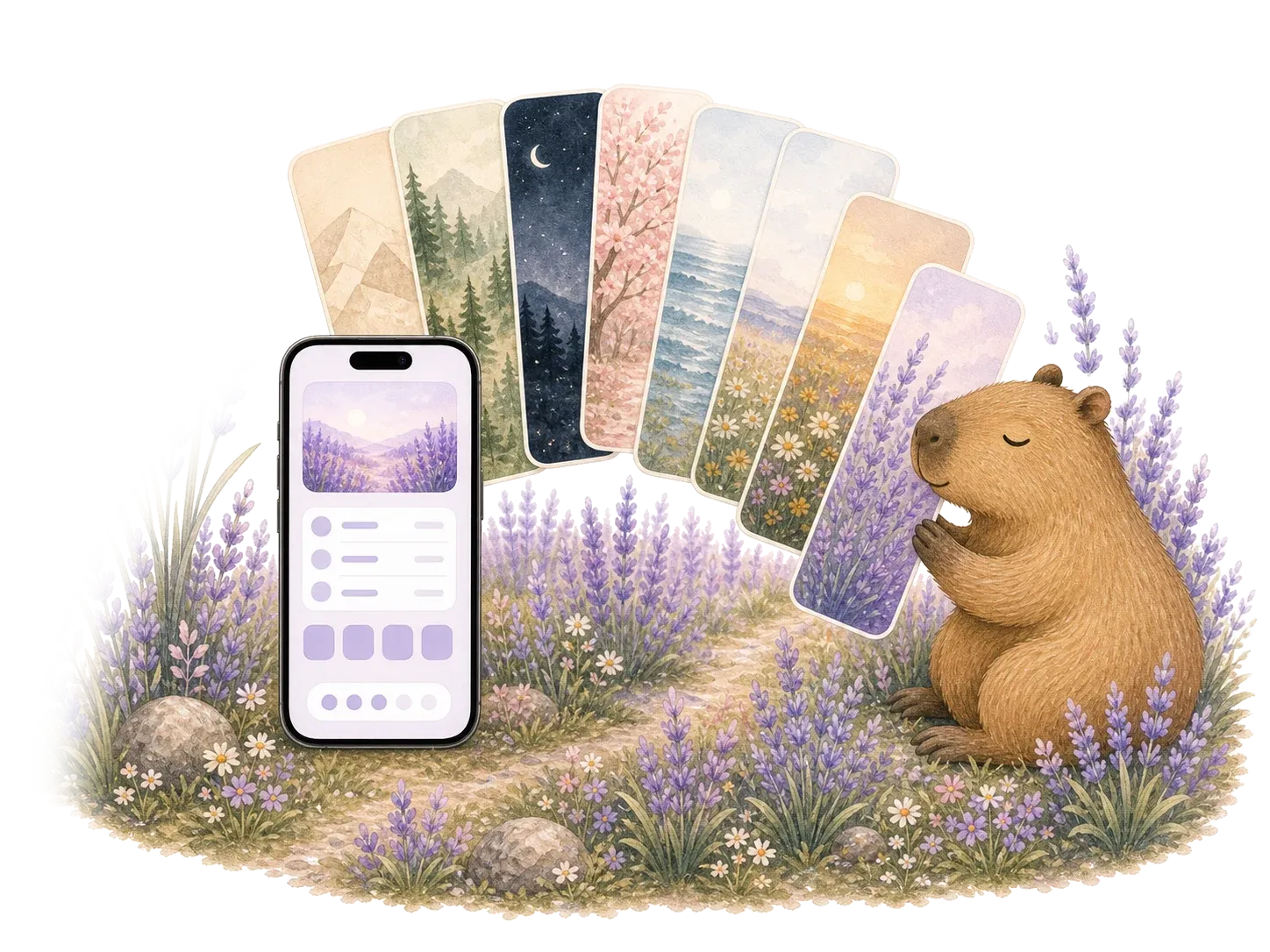 02
02Choose a theme
Pick a soft theme and matching wallpaper that keep every slot readable.
-
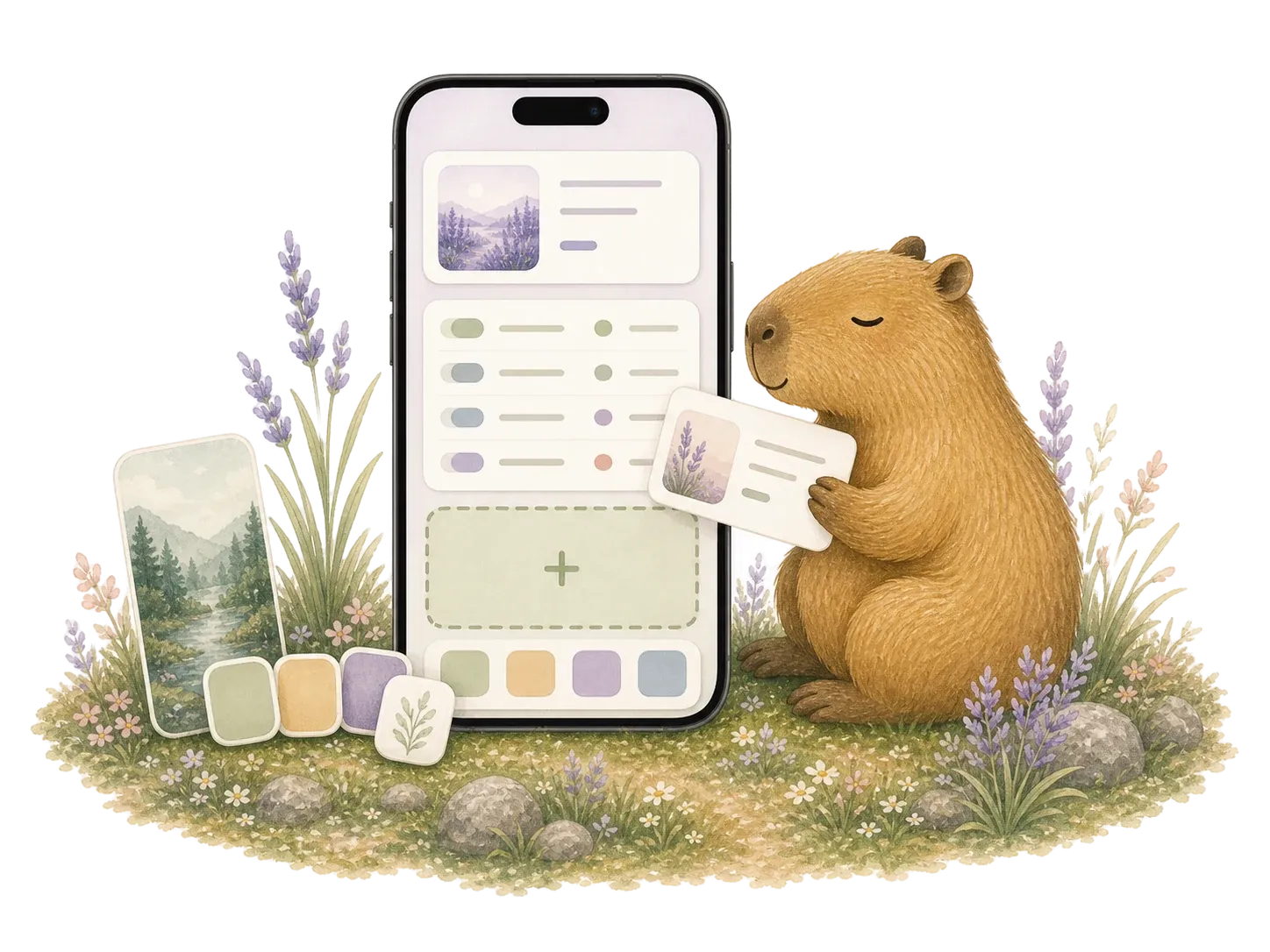 03
03Make it yours
Add the prompt and launcher, then make pages for work or evenings.
A calmer first screen, made from real iOS pieces.
Quiet Phone works with what Apple already supports: widgets, wallpapers, app links, and a guided cleanup path.
- Text app slots
- Fewer habit cues.
- Soft wallpaper
- Protects the quiet.
- Guided setup
- Supported steps, no maze.

Beautiful setups for real life.
Start from a setup made for workdays, evenings, weekends, travel, or anything you want your phone to support.

Each one is a starting point, not a finished rule. Swap the apps, theme, and widget until it fits your day.
Focus for now
Keep useful tools close.
Your widget space
Calendar, weather, or anything useful.
Essentials
- Calendar
- Messages
- Notes
- Maps
- Docs
- Timer
Workday
A focused page for tools, notes, timing, and getting back to the thing you meant to do.
- Calendar
- Messages
- Notes
- Maps
- Docs
- Timer

Evening reflection
What helps you wind down?
Essentials
- Music
- Messages
- Journal
- Photos
- Weather
- Timer
Evening
A softer page for winding down without drifting into old loops.
- Music
- Messages
- Journal
- Photos
- Weather
- Timer

Be here now
What can wait until later?
Your widget space
Calendar, weather, or anything useful.
Essentials
- Camera
- Maps
- Music
- Messages
- Photos
- Notes
Weekend
Useful tools stay close. The rest of the week gets to wait.
- Camera
- Maps
- Music
- Messages
- Photos
- Notes
Choose a softer look.
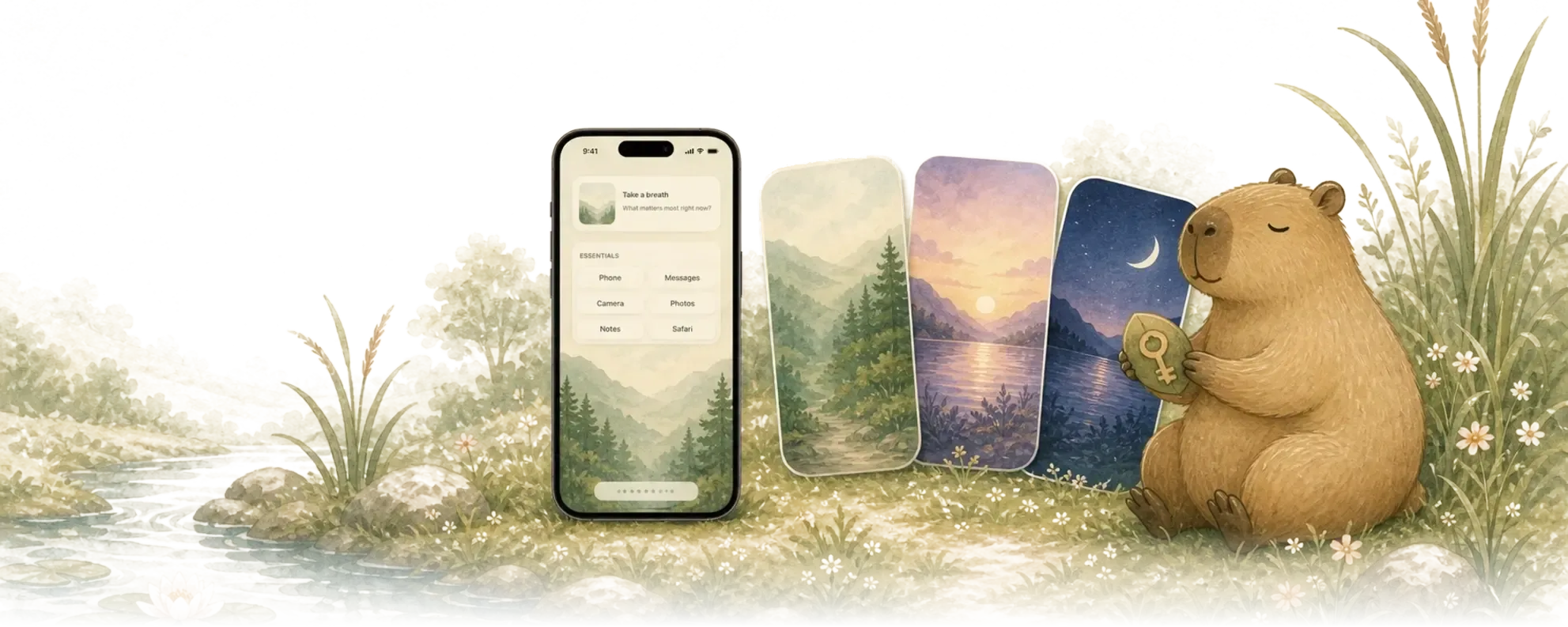
Soft wallpapers and themes that add range to your Quiet Page, without ever making the phone loud again.
Paper, Matcha and Ink are free; the rest come with the one-time Lifetime unlock in the app. Either way, tap any theme to try it on across the whole page.
Free to try. Pay once.
One Quiet Page is free. The lifetime unlock adds more pages and opens every theme, wallpaper, and recipe. No subscription.
- Free
- One Quiet Page, up to ten app slots with free labels and quiet styles, starter wallpapers, and the setup checklist.
- Lifetime unlock
- Early access price: $19.99. Planned launch price: $24.99. One payment opens every page, theme, wallpaper, recipe, and widget option. No subscription, yours forever.
- Private by design
- Your personal setup is designed to stay on your iPhone by default.
Honest about iOS. Gentle about habits.
Quiet Phone uses Apple-supported setup steps and avoids clinical claims. The goal is fewer cues and more intentional starts.
Does Quiet Phone replace the iPhone Home Screen?
No. iOS does not allow that. Quiet Phone guides you through a calmer first page using widgets, wallpapers, app links, and Apple-supported setup steps.
Why are the app lists mostly text?
App icons are designed to be recognizable and tempting. Quiet Phone starts with calm labels first, then may add its own quieter icon sets later.
How many apps should I keep on the first page?
Four to eight is the calm starting range. Free supports up to ten app slots on one Quiet Page. Lifetime unlock adds more pages and themes for different contexts.
Will this be a subscription?
No subscription is planned for v1. The direction is free to try with a one-time lifetime unlock.
What does Private by design mean?
Your personal setup is designed to stay on your iPhone by default. The website waitlist only collects the email you submit for early access updates.

Start with a quieter first screen.
Join early access and help shape the first set of Quiet Pages, themes, and wallpapers.